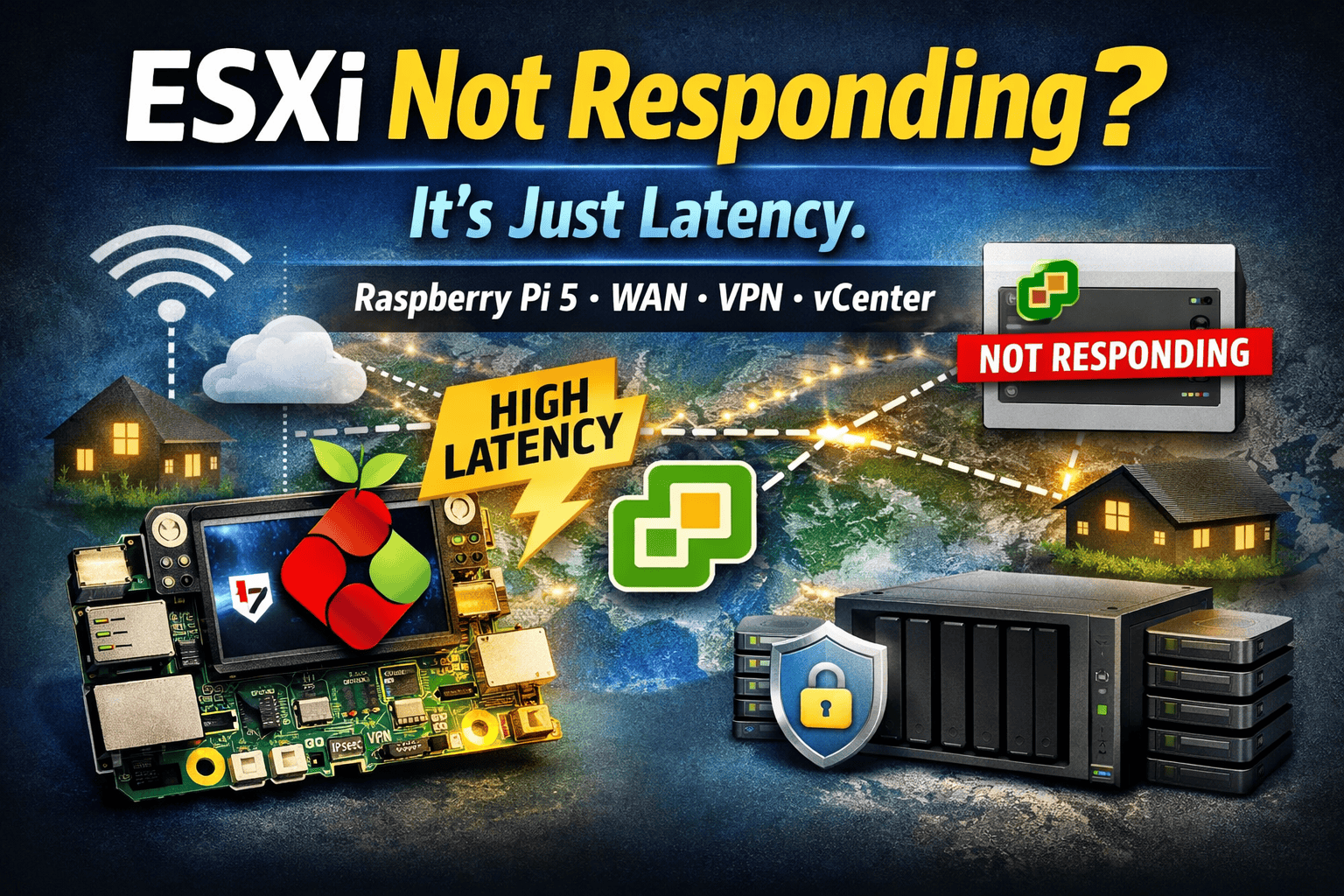
Fixing ESXi Not Responding States in a WAN-Connected Raspberry Pi 5 Homelab
During the Christmas holidays, I turned a family visit into a distributed homelab setup.
I deployed two ESXi on ARM hosts, each running on a Raspberry Pi 5, placed in two different houses of my family. Both sites were connected back to my central VMware vCenter Server via IPsec site-to-site VPNs.
Each remote site was intentionally minimal but practical:
- One Pi-hole VM per site for local DNS filtering
- Local NFS storage on a Synology NAS for encrypted backup sync
- Some reserved compute resources for future workloads
No production systems. Just learning, experimenting, and building something realistic.
The Setup at a Glance
Per site:
- Raspberry Pi 5 running VMware ESXi on ARM
- Local Synology NAS
- NFS datastore mounted to ESXi
- Encrypted backups synced from my home
- IPsec S2S VPN to the main site hosting vCenter
This design had a clear goal:
👉 Local services stay local, WAN is used only for management and sync.
The Problem: Hosts Randomly “Not Responding”
Several times per day – mostly in the evenings – both Raspberry Pi ESXi hosts suddenly appeared in vCenter as:
❌ Not Responding
Yet every time I checked:
- SSH access to ESXi worked
- Pi-hole kept resolving DNS
- NFS datastores stayed mounted
- Backups continued syncing
- No crashes, no reboots
From the ESXi and Synology side, everything was always up.
The Clue: Latency During Peak Hours
Once the pattern became obvious, I stopped troubleshooting ESXi and started measuring latency.
During peak hours:
- ISP uplinks were saturated
- IPsec VPN latency increased
- Jitter became inconsistent
A quick test from ESXi confirmed it:
vmkping -I vmk0 <vcenter-ip>
The hosts were reachable – but not fast enough.
That’s when it became clear:
vCenter wasn’t losing the hosts.
It was losing patience.
VMware Documents This Exact Behavior
This issue is officially described in Broadcom / VMware KB 1005757:
“ESXi host disconnects intermittently from vCenter Server”
https://knowledge.broadcom.com/external/article?legacyId=1005757
Key points from the KB:
- vCenter relies on regular management heartbeats
- Heartbeats delayed by latency or jitter may be considered lost
- Hosts can be marked Not Responding even when fully operational
That described my setup perfectly:
- WAN distance
- IPsec encryption overhead
- Consumer internet links
- ARM-based ESXi hosts doing exactly what they should
Root Cause (In One Sentence)
vCenter did not receive ESXi heartbeats within the expected timeframe, so it marked the hosts as Not Responding – even though they were alive, reachable, and serving workloads.
The Fix: One Setting, No Hacks
The correct and supported fix is adjusting exactly one vCenter advanced setting:
config.vpxd.heartbeat.notRespondingTimeoutThis defines how long vCenter waits (in seconds) before declaring an ESXi host as Not Responding.
How to Apply the Fix
1. Open vCenter Advanced Settings
- Log in to the vSphere Client
- Navigate to
Administration → vCenter Server Settings → Advanced Settings - Click Edit Settings
2. Add or Modify the Setting
| Key | Type | Recommended Value |
|---|---|---|
config.vpxd.heartbeat.notRespondingTimeout | Integer | 60–120 |
My recommendation for WAN / VPN setups:
- Start with 60 seconds
- Increase to 90 or 120 seconds if latency fluctuates
3. Restart vCenter Services
Apply the change:
service-control --restart vpxd⚠️ Do this during a maintenance window if vCenter availability is critical in your environment
What This Change Does Not Affect
- ❌ No impact on vSphere HA failover timing
- ❌ No masking of real host crashes
- ❌ No change to VM runtime behavior
It only affects how long vCenter waits before panicking.
Lessons Learned
- Default vCenter values assume LAN conditions
- WAN + VPN + consumer ISPs require tuning
- Not Responding does not mean Down
- Raspberry Pi 5 ESXi hosts are surprisingly reliable (if cooled properly.. :P)
- Local NFS storage is a huge win for distributed labs
Final Thoughts
Running ESXi on ARM on Raspberry Pi 5 across family homes – with local Synology NFS storage, encrypted backups, and IPsec VPNs – was a great reminder that:
Distance breaks defaults.
If you manage ESXi hosts over WAN links, tuningconfig.vpxd.heartbeat.notRespondingTimeout isn’t optional – it’s essential.







Schreibe einen Kommentar