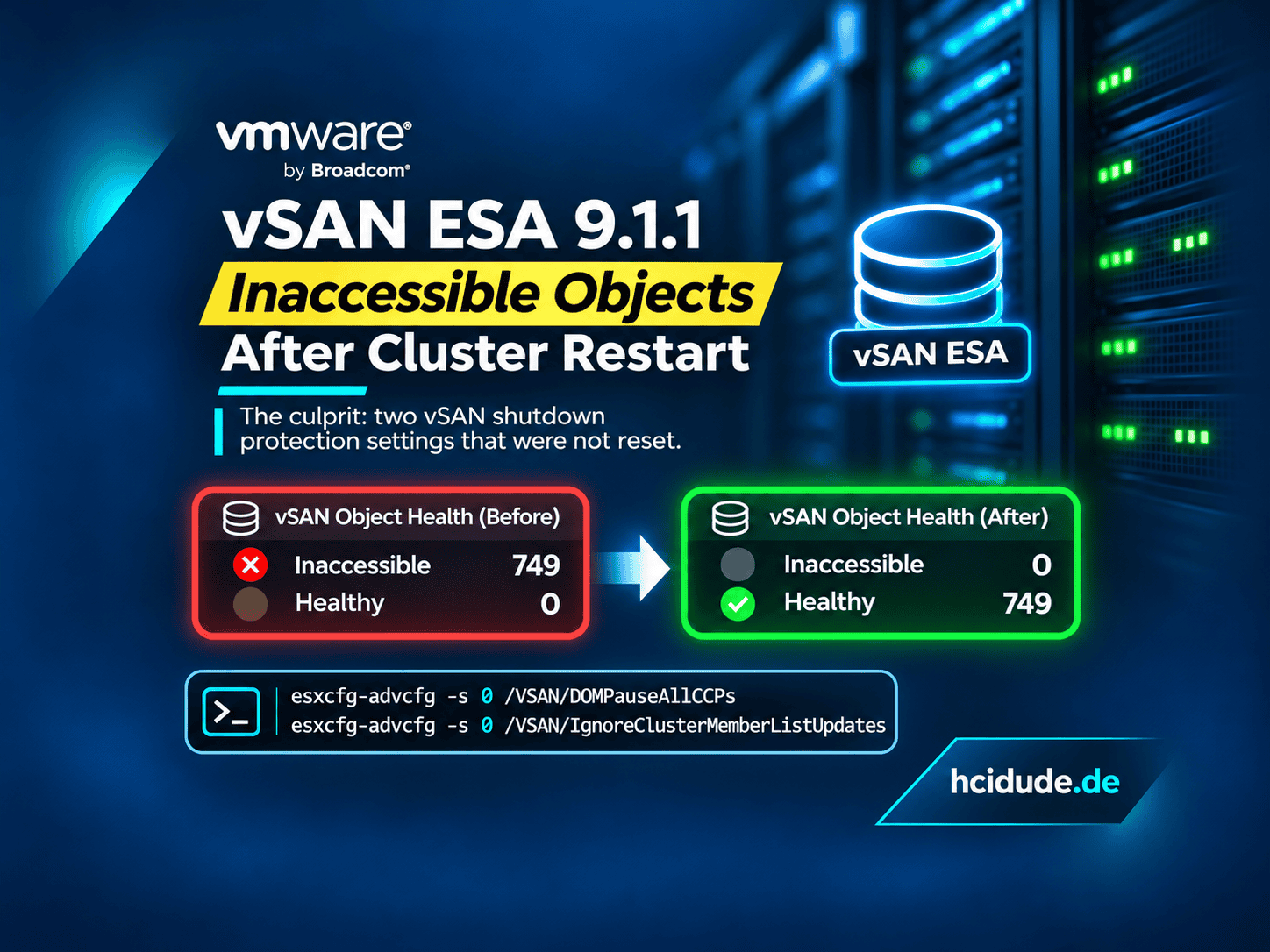
During a recent troubleshooting session in my VMware HomeLab, I encountered an interesting issue with my nested VMware vSAN Express Storage Architecture (ESA) 9.1.1 cluster.
All three ESXi hosts were online. The vSAN network was healthy and the cluster membership looked perfectly normal.
However, the vSphere Client insisted that the cluster was powered off or still restarting.
Even worse, virtual machine migrations failed and all vSAN objects were reported as inaccessible.
The solution turned out to be surprisingly simple: two advanced ESXi settings that had not been reset after the cluster shutdown workflow.
In this post, I’ll walk through the symptoms, investigation, root cause and recovery.
My HomeLab Environment
The affected cluster is part of my nested VMware lab, which I use for automation development, VMware testing and end-to-end validation of ansible playbooks.
| Component | Configuration |
|---|---|
| VMware vCenter Server | 9.1.1.0100 |
| VMware ESXi | 9.1.1.0.25714478 |
| vSAN Architecture | Express Storage Architecture (ESA) |
| Cluster | VC9-vSAN-ESA |
| ESXi Hosts | nesx901, nesx902, nesx903 |
| Cluster Size | 3 nodes |
| Environment | Nested VMware HomeLab |
The cluster had previously undergone a shutdown and startup sequence.
The Symptoms
The first warning appeared under:
Cluster > Configure > vSAN
The vSphere Client displayed:
VC9-vSAN-ESA is powered off or in the process of shutting down or restarting.
Interestingly, the cluster itself appeared to be running.
All three ESXi hosts were connected and vSAN was enabled.
Another problem appeared when I attempted to migrate a virtual machine named DSM-VM08.
The migration failed with:
Cannot Create File

Operation failed, diagnostic report:
DSM-VM08 (Cannot Create File)

Reserving folder on host
This suggested that vSAN was unable to create new objects or files on the datastore.
At this point, the question was whether the cluster was actually powered off, whether the storage was unavailable or whether vCenter was reporting an incorrect state.
Step 1: Verify vSAN Cluster Membership
I started by checking the vSAN cluster directly on nesx901:
esxcli vsan cluster getThe relevant output was:
Enabled: true
Local Node State: MASTER
Local Node Health State: HEALTHY
Sub-Cluster Member Count: 3
Sub-Cluster Member HostNames: nesx901, nesx902, nesx903
Maintenance Mode State: OFF
Mode: REGULAR
vSAN ESA Enabled: true
This confirmed that:
- vSAN was enabled.
- All three ESXi hosts were members of the same cluster.
- The local host was operating as the vSAN master.
- The cluster was not in maintenance mode.
- vSAN ESA was enabled.
From a cluster membership perspective, everything looked normal.
Step 2: Check the Actual Cluster Power State
Next, I checked the vSAN Management Service logs on the vCenter Server Appliance.
grep 'currentPowerStatus' \
  /var/log/vmware/vsan-health/vmware-vsan-health-service.log
The log contained:
Cluster domain-c1007,
currentPowerStatus clusterPoweredOn,
HA True,
selfContain None,
embedded vCLS: None
Additional log messages repeatedly showed:
None targetPowerStatus foundAccording to the vSAN management service, the cluster was powered on and no target power state was recorded.
This did not match the warning displayed in the vSphere Client.
However, a healthy cluster membership and a powered-on state do not necessarily mean that the vSAN object layer is fully operational.
That became apparent in the next step.
Step 3: Investigate vSAN Object Health
I checked the vSAN object health summary:
esxcli vsan debug object health summary getThe result was unexpected:
Health Status       Number Of Objects
-------------------------------------
inaccessible                      749
healthy                             0
All vSAN objects were inaccessible.
To investigate further, I listed the affected objects:
esxcli vsan debug object list --health=inaccessibleThe objects I inspected showed the same health condition:
Health: inaccessible -
Object is initializing or creating.(APD)
Even more interesting, their individual storage components were reported as:
Component State: ACTIVEThe components were distributed across all three hosts.
The objects also reported:
Size: 0.00 GB
Type: N/A
Path: N/A
This was an important clue.
The individual components were present and active, but vSAN could not make the overall objects accessible.
The issue was therefore not obviously caused by missing hosts, failed physical disks or a network partition.
Step 4: Identify the Root Cause
After investigating the vSAN shutdown and restart behavior, I came across two relevant advanced settings:
/VSAN/DOMPauseAllCCPs
/VSAN/IgnoreClusterMemberListUpdates
These settings are used during the vSAN cluster shutdown workflow.
DOMPauseAllCCPs pauses Distributed Object Manager component operations as part of the shutdown protection mechanism.
IgnoreClusterMemberListUpdates prevents the host from processing cluster membership list updates while the shutdown protection state is active.
Both are expected to return to 0 after the cluster has successfully completed its startup workflow.
I checked the settings on the first ESXi host:
esxcfg-advcfg -g /VSAN/DOMPauseAllCCPs
esxcfg-advcfg -g /VSAN/IgnoreClusterMemberListUpdates
The output was:
Value of DOMPauseAllCCPs is 1
Value of IgnoreClusterMemberListUpdates is 1
I repeated the checks on the other two hosts.
The results were identical.
| Host | DOMPauseAllCCPs | IgnoreClusterMemberListUpdates |
|---|---|---|
| nesx901 | 1 | 1 |
| nesx902 | 1 | 1 |
| nesx903 | 1 | 1 |
All three ESXi hosts still had their vSAN shutdown protection settings enabled.
This explained why the cluster could report healthy membership while its objects remained inaccessible.
The cluster had not fully returned to its normal operating configuration.
Broadcom documents this behavior in KB 393357.
Step 5: Recover the vSAN Cluster
Important: The following commands modify the vSAN host configuration. They should only be used after confirming that the hosts are online, the cluster network is healthy and no intentional shutdown or restart workflow is still running.
In a production environment, I would also verify the data protection and recovery situation before making changes.
With the cluster membership already verified, I reset the two advanced settings on the affected ESXi hosts:
esxcfg-advcfg -s 0 /VSAN/DOMPauseAllCCPs
esxcfg-advcfg -s 0 /VSAN/IgnoreClusterMemberListUpdates
The commands returned:
Value of DOMPauseAllCCPs is 0
Value of IgnoreClusterMemberListUpdates is 0
No ESXi host reboot was necessary for the observed recovery.
Step 6: Verify vSAN Object Recovery
Immediately after resetting the parameters on nesx901, I checked the object health again:
esxcli vsan debug object health summary getThis time, the result was:
Health Status       Number Of Objects
-------------------------------------
inaccessible                        0
healthy                           749
All 749 previously inaccessible vSAN objects had recovered.
This was the strongest confirmation that the remaining shutdown protection settings had been responsible for the inaccessible objects.
Verify Resynchronization
I also checked whether any vSAN object synchronization was still required:
esxcli vsan debug resync summary getThe output was:
Total Number Of Resyncing Objects: 0
Total Bytes Left To Resync: 0
Total GB Left To Resync: 0.00
There were no remaining resynchronization operations.
Note that esxcli vsan resync list was not available in this ESXi 9.1.1 environment. The working command was esxcli vsan debug resync summary get.
Verify Overall Cluster Health
Finally, I ran:
esxcli vsan health cluster listThe output confirmed:
Overall health findings    green (OK)
Cluster                    green
Network                    green
Data                       green
Capacity utilization       green
Physical disk              green
Performance service        green
All vSAN health categories were green.
The performance service had also recovered, including the statistics database, primary election and data collection checks.
Before and After
| Health Check | Before Recovery | After Recovery |
|---|---|---|
| Cluster Membership | 3/3 | 3/3 |
| vSAN Objects Healthy | 0 | 749 |
| vSAN Objects Inaccessible | 749 | 0 |
| vSAN Object Health | Red | Green |
| Performance Service | Yellow | Green |
| Overall Cluster Health | Red | Green |
| Pending Resync | Not yet verified | 0 GB |
| DOMPauseAllCCPs | 1 | 0 on all three ESXi hosts |
| IgnoreClusterMemberListUpdates | 1 | 0 on all three ESXi hosts |
The final storage health checks confirmed that the cluster was operational again.
The earlier migration failure and vSphere Client warning were part of the original symptoms. A separate successful migration retest was not captured in the diagnostic output presented here.
Lessons Learned
1. Cluster Membership Does Not Guarantee Storage Availability
All three ESXi hosts were present and the vSAN master was healthy.
Nevertheless, every reported vSAN object was inaccessible.
2. ACTIVE Components Do Not Necessarily Mean Healthy Objects
The components were distributed across the hosts and reported as active, but object initialization was blocked.
3. Always Check Shutdown Protection Settings After a Failed Restart
These two commands should be part of any vSAN startup troubleshooting checklist:
esxcfg-advcfg -g /VSAN/DOMPauseAllCCPs
esxcfg-advcfg -g /VSAN/IgnoreClusterMemberListUpdates
4. Avoid Destructive Recovery Actions Before Understanding the Root Cause
Deleting inaccessible objects would have been completely inappropriate in this situation.
The objects recovered without any object deletion, datastore recreation or host removal.
5. Validate Recovery at Multiple Levels
A successful recovery should include:
esxcli vsan cluster get
esxcli vsan debug object health summary get
esxcli vsan debug resync summary get
esxcli vsan health cluster list
Together, these checks validate membership, object accessibility, resynchronization and overall vSAN health.
Preventing the Issue in My HomeLab
Because my nested VMware lab is frequently powered on and off for development and testing, I’m planning to incorporate these checks into my automated startup validation workflow.
The workflow should:
- Verify that all expected ESXi hosts are connected.
- Confirm that the vSAN cluster membership is complete.
- Check both shutdown protection settings on every host.
- Detect unexpected values of
1and report them. - Verify that the cluster startup workflow has completed before allowing any corrective action.
- Validate vSAN object health and pending resynchronization.
I would not automatically reset the parameters simply because they are set to 1. During an intentional shutdown, those values are expected.
The automation must first establish that the cluster should be operating normally.
This is particularly important for my testing environment, where reliable cluster startup and shutdown behavior is essential for repeatable end-to-end tests.
Conclusion
This incident was a good reminder that vSAN can appear healthy at the host and network level while its storage objects remain completely inaccessible.
In my case, the problem was caused by two advanced settings left enabled after the vSAN cluster shutdown and restart workflow:
DOMPauseAllCCPs = 1
IgnoreClusterMemberListUpdates = 1
Resetting them to their normal values restored object accessibility.
The final result:
- 749 healthy objects
- 0 inaccessible objects
- 0 GB pending resync
- Overall vSAN health: Green (OK)
No object deletion, datastore rebuild or ESXi host reboot was required.
Sometimes, the most useful troubleshooting clue is not the biggest error message but a pair of advanced settings that never returned to their expected state.







Schreibe einen Kommentar